Ready to generate

Your generated content will appear here.

AI Video Translator

Translate Existing Videos for New Language Markets

Upload an existing spoken video, choose a target language, and let Saymo's Video Translator create a localized version with translated speech and mouth movement adapted to the new audio. Reuse the performance and creative you already have to reach new language audiences without recording the full video again.

BEFORE
AFTER

Translate Spoken Video Content

Start with an existing spoken video and create a new language version without recording the full performance again. Video Translator processes the spoken content while keeping the original video as the visual foundation, allowing teams to reuse footage they have already produced and adapt it for additional language audiences.

BEFORE
AFTER

Adapt Mouth Movement to the New Audio

Saymo adjusts visible mouth movement to better match the translated speech and the timing of the new audio. This helps the localized version feel more visually consistent when the speaker is on screen, reducing the mismatch that can happen when translated audio is added to an existing performance.

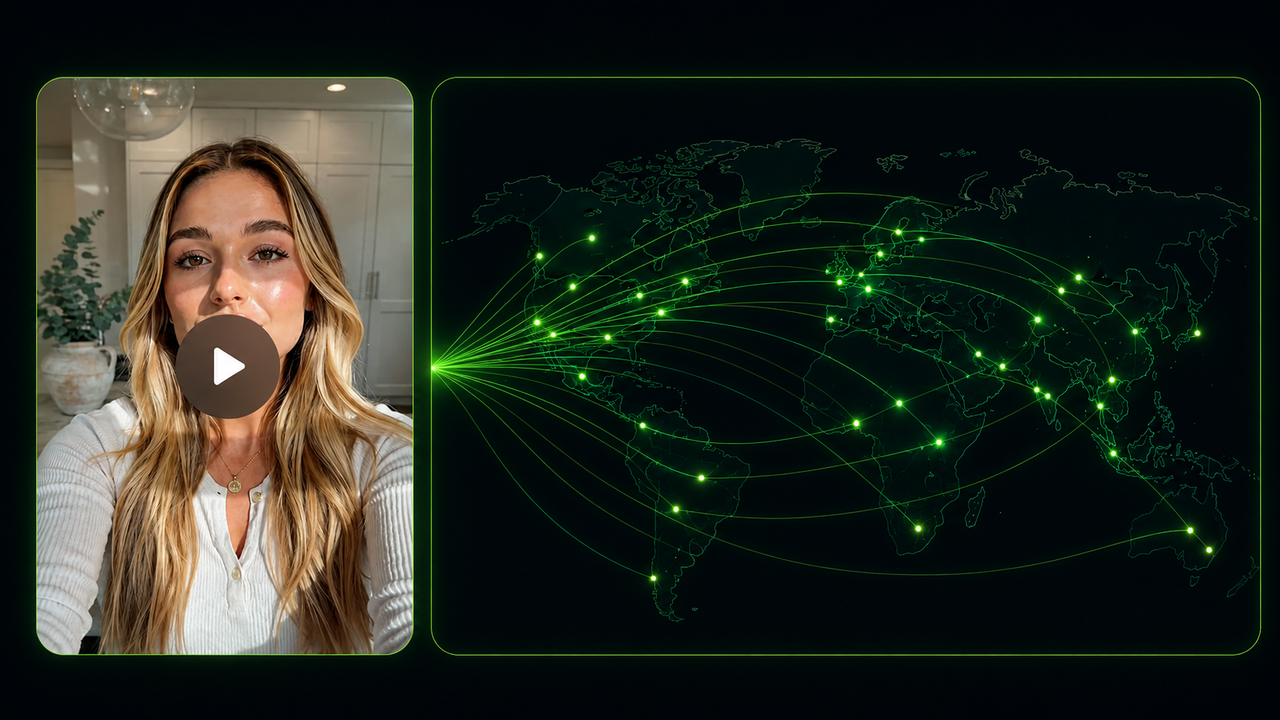
Localized video creative for multiple language markets

Reuse Existing Creative Across Markets

Use Video Translator to localize product explainers, creator videos, tutorials, and campaign content for additional language audiences. Keep the existing scenes, presenter performance, and creative direction while adapting the spoken content for new markets, so your team can expand proven creative without rebuilding every video from the beginning.

Video Translation Workflow

Translate a Video in 4 Steps

Create a localized version of an existing spoken video through one straightforward workflow.

Step 01

Upload the Source Video

Choose an existing spoken video with clear audio and a visible speaker. Videos with limited background noise, understandable speech, and a clearly visible mouth usually provide a stronger starting point for translation and mouth movement adaptation.

Step 02

Select the Target Language

Choose one of the target languages currently available in Saymo. Select the language that matches the audience or market you want the localized video to reach.

Step 03

Generate the Localized Version

Let Video Translator process the spoken content and create the new language version. Saymo generates the translated speech and adjusts visible mouth movement while keeping the original video and performance as the visual foundation.

Step 04

Review the Result

Review the localized version before publishing. Check names, product terminology, pronunciation, speaking rhythm, timing, and visible mouth movement to make sure the translated content remains clear and suitable for the intended audience.

Localize More without Reshooting

Why Teams Use Video Translator

Reach additional language audiences while getting more value from the videos you already have.

Translate Without Recording Again

Create new language versions without recording the full performance again. Keep the presenter, scenes, camera work, and original creative while adapting the spoken content for a different language audience.

Reach Additional Markets

Reuse existing videos across additional markets and audiences. Video Translator gives teams a way to extend the value of content they have already produced instead of preparing a completely new video for every language.

Simplify Localization

Reduce separate translation, dubbing, and lip editing steps. Bring translated speech and visible mouth movement adaptation into the same localization workflow, making multilingual video production easier to manage.

Test Before New Production

Test localized campaign content before investing in new production. Use existing creative to explore how a message works with different language audiences, then decide where additional campaign resources should go.

FAQ

Frequently Asked Questions