
Step 01
Upload a Silent Video
Add your silent product demo, screen recording, app walkthrough, tutorial, or presentation video. A clear visual sequence gives the narration useful context to follow.
Ready to generate
Your generated content will appear here.
Upload a silent product demo, screen recording, or walkthrough. Saymo analyzes what happens on screen and creates an AI voice over that follows the visual flow—giving you a narrated video that explains the experience without recording a voice track from scratch.
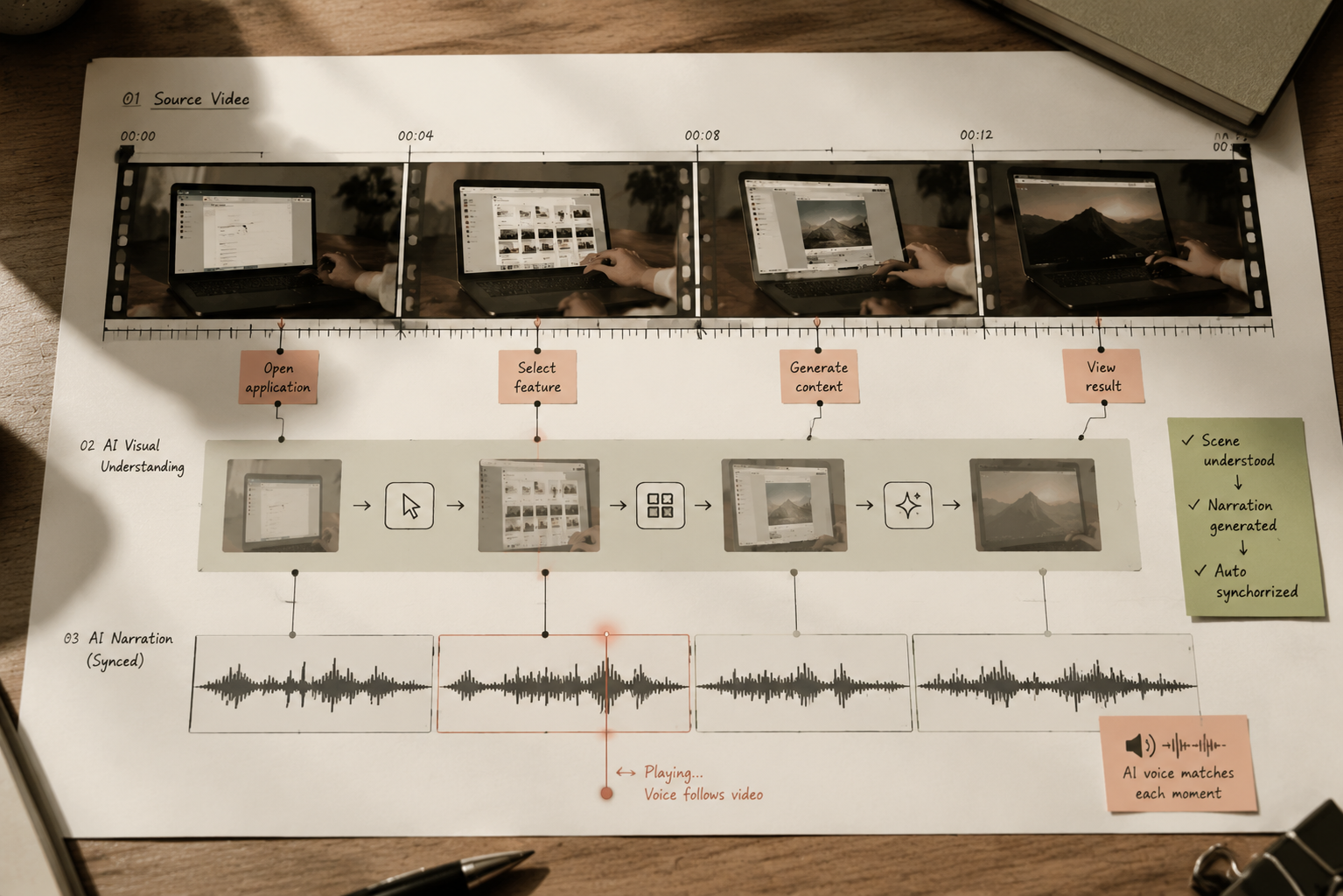
Saymo analyzes the visual sequence of your silent video and generates narration around what viewers need to understand. The AI voice over follows the product flow instead of reading unrelated text over the footage. For SaaS demos, app walkthroughs, and screen recordings, that means the explanation stays connected to the action, helping viewers follow each step with less manual scripting and recording work.
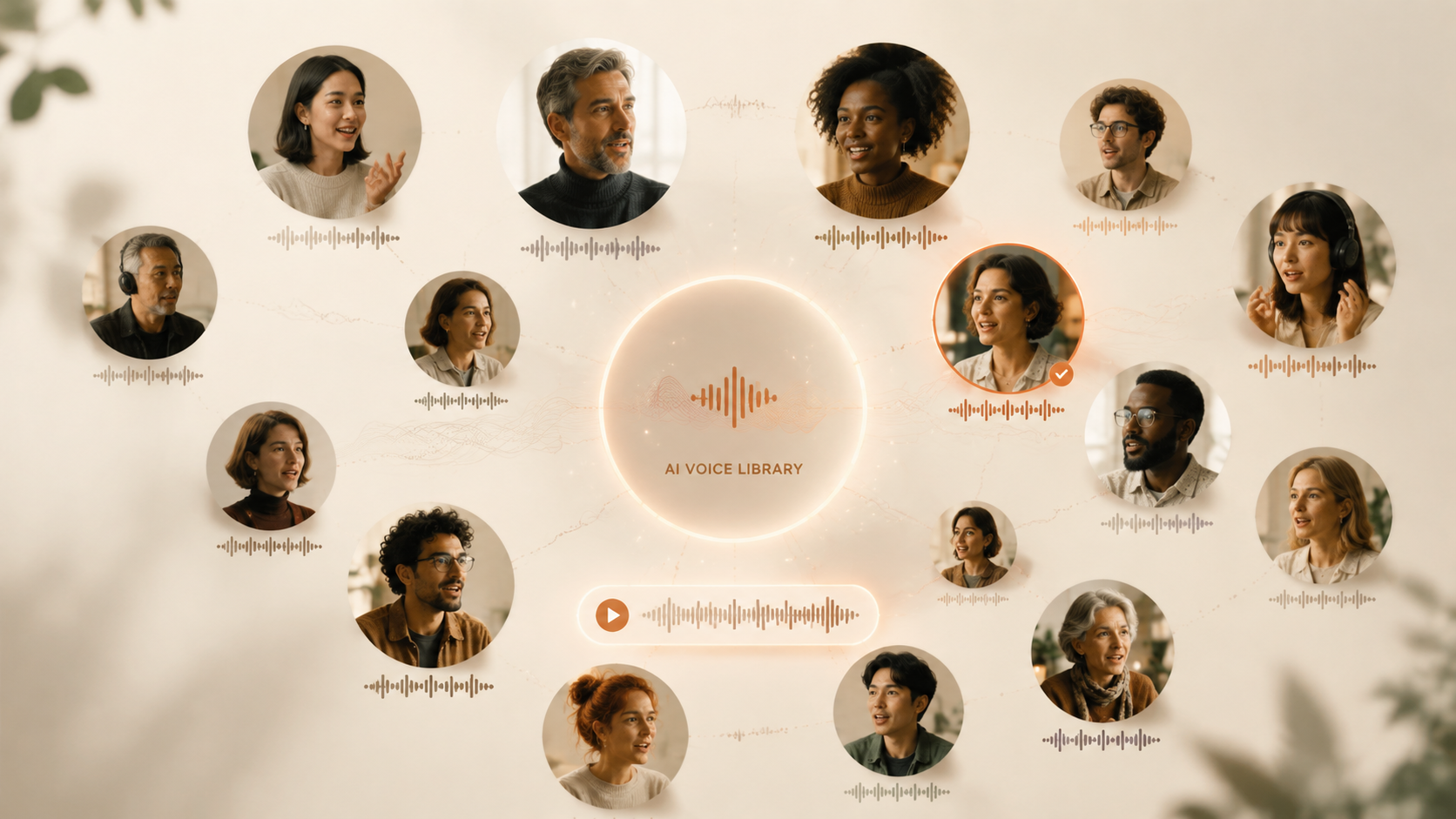
Turn an existing silent demo into an explained video without setting up a microphone, finding a speaker, or recording multiple takes. Use the workflow for feature releases, tutorials, presentations, and product walkthroughs where the visuals already exist but the context is missing. Your team can add a clear layer of narration while keeping the original demonstration at the center.
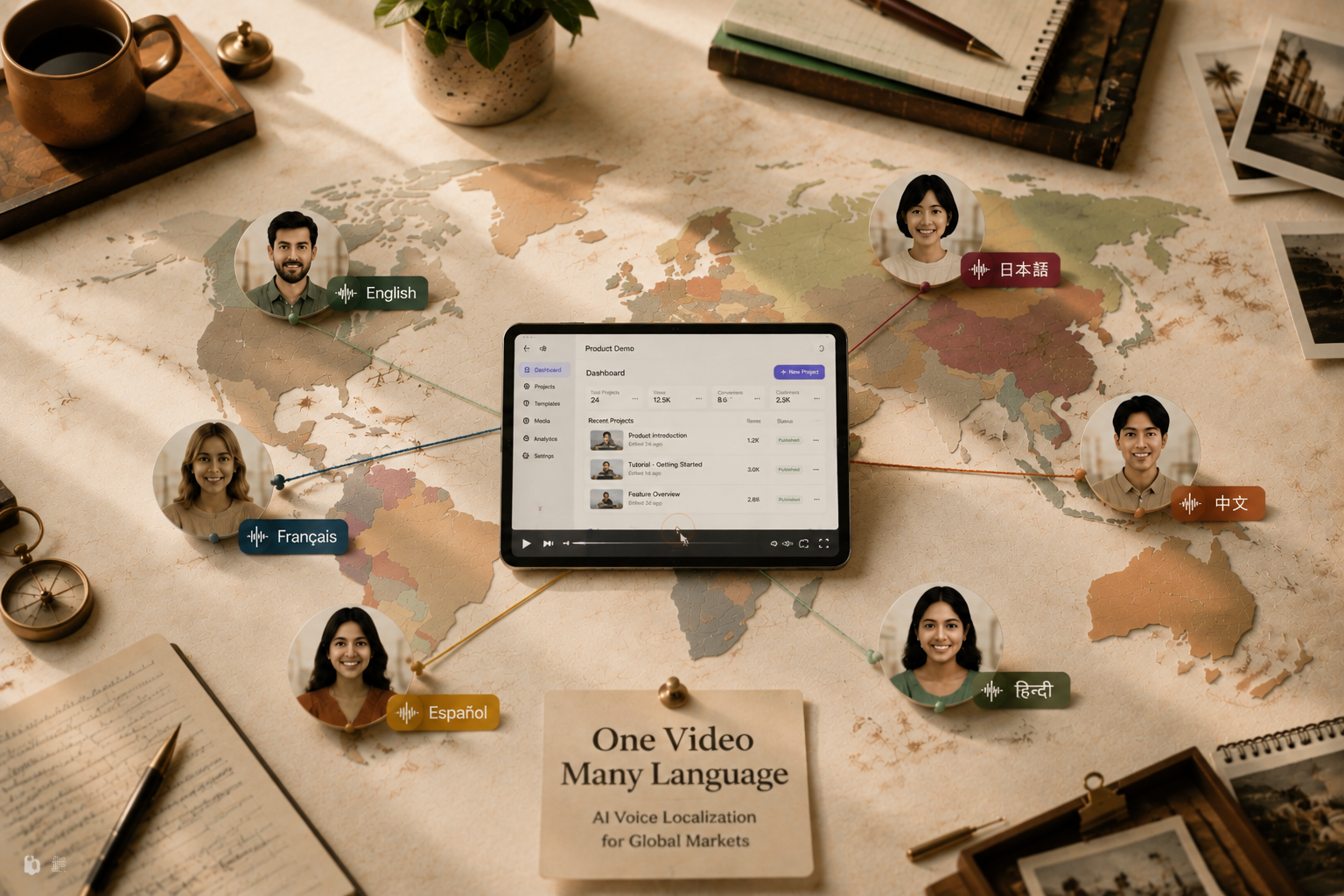
Choose a supported language for the narration and create versions for different audiences from the same visual demo. Because the footage remains reusable, teams can expand a proven walkthrough without rebuilding the product sequence for every market. This makes multilingual voice over more practical for localized onboarding, sales enablement, customer education, and campaign testing at scale.
Turn a silent visual demo into clear narrated content through one straightforward workflow.
Add your silent product demo, screen recording, app walkthrough, tutorial, or presentation video. A clear visual sequence gives the narration useful context to follow.
Choose the available language and voice settings that fit your audience and decide how the demo should be explained.
Saymo analyzes the video content and creates a voice over designed to match the on-screen flow.
Watch the narrated video and check the explanation, timing, terminology, pronunciation, and alignment with the visuals before publishing.
Add clear, scalable narration to existing demos without building a separate voice-recording process.
Add an explanatory track after the visual demo is ready. Teams can move from silent capture to reviewable narrated content without a separate recording schedule.
No microphone setup, speaker coordination, or repeated takes. The existing video becomes the source for a more streamlined narration workflow.
Keep the product sequence and create new narration versions for different audiences, messages, or supported languages without starting the walkthrough from scratch.
Turn more screen recordings, tutorials, presentations, and app walkthroughs into explained content. A repeatable workflow helps marketing, sales, and support teams cover more topics.