
1
Choose Your Creator
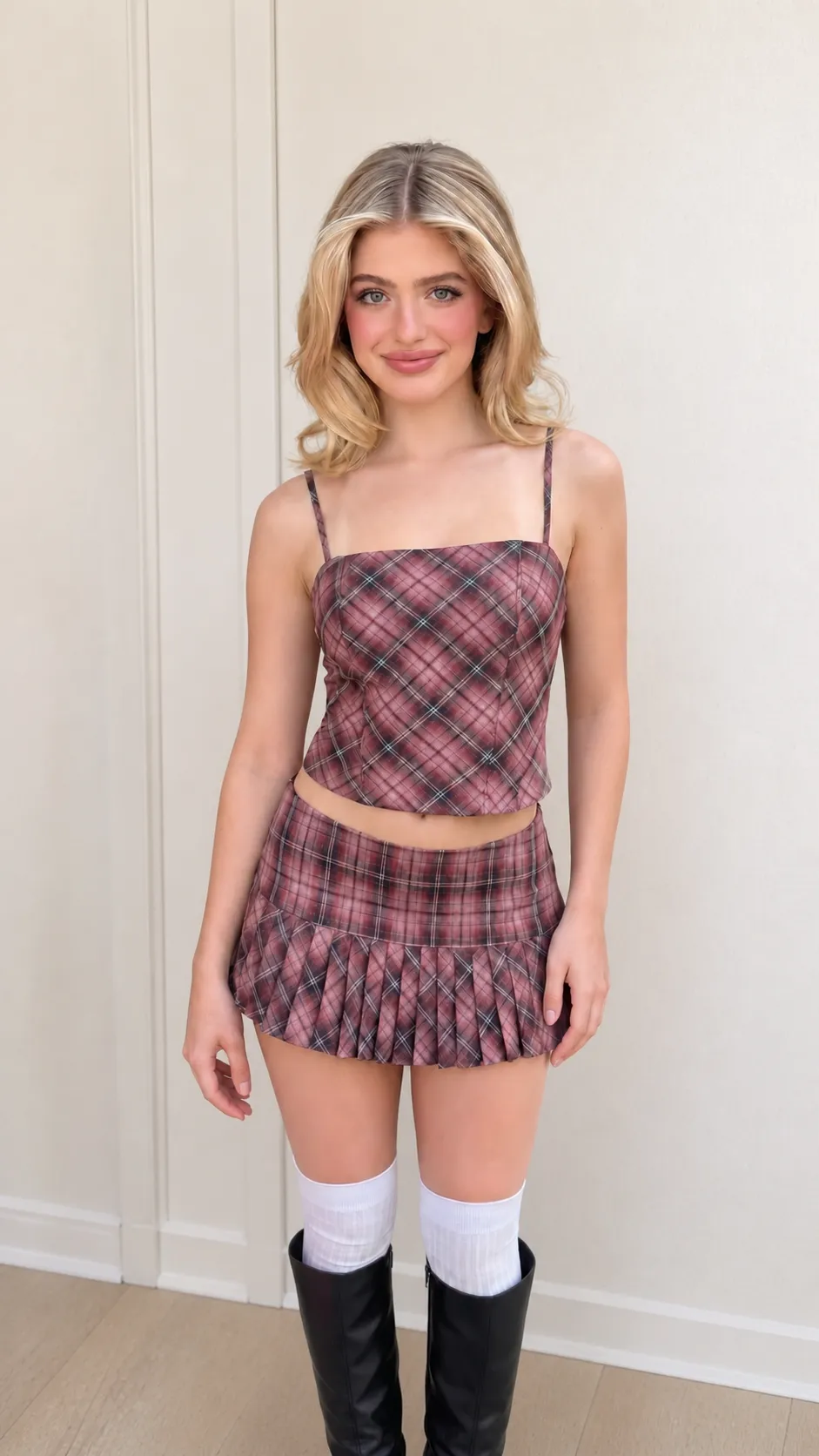
Start with a creator or character who fits your product.
Choose your creator, add your product, and generate a natural hand-held showcase.
Start with a creator or character who fits your product.
Add your product images and details, then customize the video.
Generate a natural video of your creator holding the product.
Upload a product image and set the showcase direction. Saymo places the product into a creator-style scene where it is held and presented—giving you a UGC product showcase that adds human context without shipping samples, coordinating creators, or running a physical production.
A standalone product image shows the item, but not how it looks in someone’s hand. Product in Hand places the product into a creator-style presentation so shoppers can see its apparent scale, packaging, appearance, and handling in a more relatable setting. Use that context for product pages, social creative, launch content, and UGC-style ads that need more than a clean packshot.
Start production from a product image rather than a physical delivery. There is no need to send units to creators, wait for arrival, schedule a shoot, or request another take. Teams can move from an available product visual to a hand-held showcase through one repeatable workflow, making early creative development and campaign preparation less dependent on shipping and production logistics.
Use the same product source to explore more creator-style presentations without organizing a new shoot for every concept. Product in Hand helps teams compare different UGC directions, audiences, and showcase angles while keeping the featured item at the center. More variations give performance teams additional creative to test and help brands learn how the product should appear in human-led content.
Turn one product image into a creator-style hand-held showcase through one straightforward workflow.
Add a clear image that shows the product shape, packaging, and key visual details you want the creator-style content to preserve.
Choose the available scene and creator options, then define how you want the product to be held or presented.
Saymo creates a human-led product presentation with the item placed in the creator’s hand and kept at the center of the scene.
Check the product appearance, apparent scale, packaging details, hand placement, and overall scene before adding the asset to your campaign.
Create more human-led product visuals while reducing the shipping, creator coordination, and reshoots behind early creative testing.
Explore creator-style product concepts from an image while physical samples are limited, in transit, or not allocated to content production.
Compare showcase directions without booking a creator for every idea. Reserve physical production for concepts that have already earned deeper investment.
When you need another presentation direction, return to the same product source and generate a new variation instead of requesting another take.
Build a reusable workflow for more products, campaigns, audiences, and creative tests. Teams get more hand-held product content without multiplying coordination work.